Design drawings are always indispensable tools to convey the construction ideas of architects, construction developers, or design hobbyists.
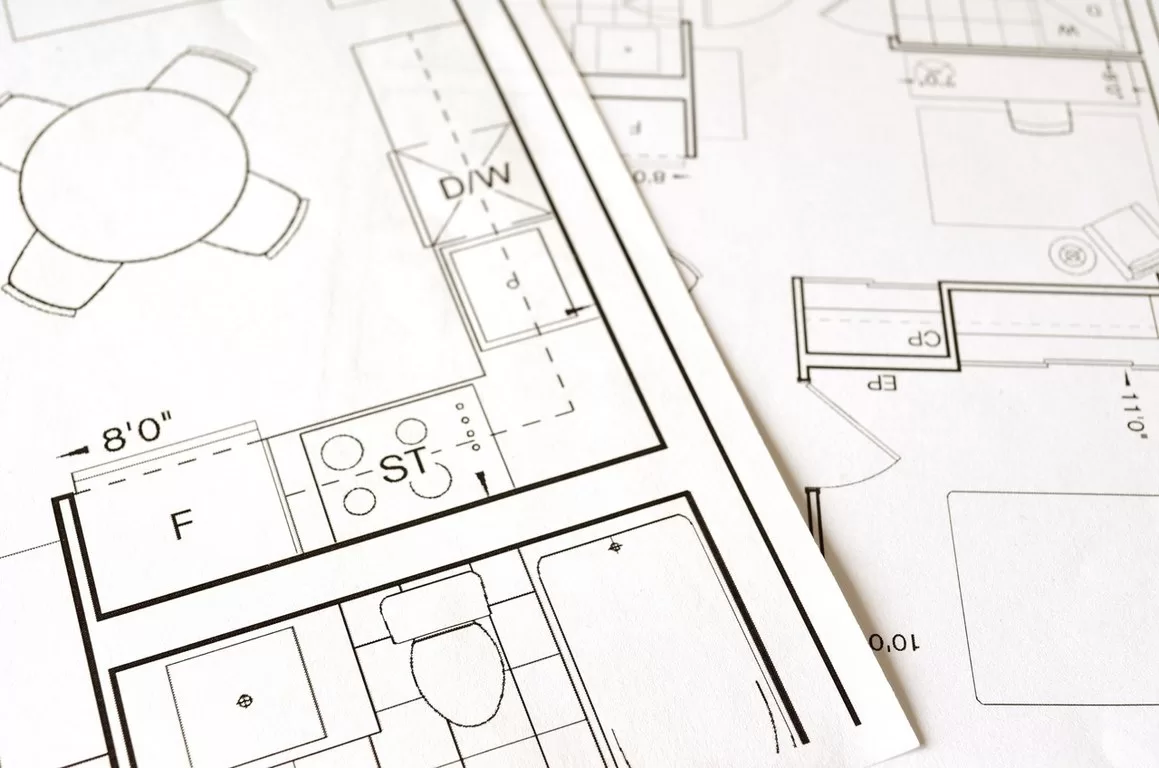
Organizing a drawing from overview to detail that fully expresses the vision and creativity often requires a lot of time and effort. Gone are the days of manual drawing and error-prone measurements. Depending on studios or paying for complicated and troublesome CAD software is a waste of money and not an optimal option.
The development of architectural drawing applications nowadays allows those who work in the industry or people with design ideas to obtain technical drawings more easily. The following article will review Planner 5D – a free architecture design software that every designer expects. Scroll down to see the full features, experience, output quality, and user guide for this amazing set of tools.
Architectural Drawings in Use
Architectural drawings are specialized documents that are used in many stages of the construction of buildings and projects. These drawings are essentially technical illustrations to communicate ideas, make construction proposals, or guide contractors. A complete set of paperwork for a project would not be complete without this document.
Intelligent design software not only helps you create 3D models and graphic designs but also helps builders reduce errors thanks to high-quality and accurate technical information. This specialized toolkit also allows those working on an architecture project to manage workflow and share information smoothly and quickly from inception to completion.
Planner5D is an architecture design application that meets all these requirements while saving time and money. This software is developed with an elite toolkit that enables its users to turn design ideas into workable activities in no time and with minimal effort.
What can Planner 5D Architecture Design Software Help with?
All phases of architectural design are fully supported by Planner 5D with the features described below.
Sketch 2D:
You are provided with a painter format to design floor plans by drawing lines on a gridline background and an automatic navigator. A simpler way is to take the layout templates from the experts and other users in the collection available and start editing.
Every detail of the floor, walls, and doors can be included in the design and changed arbitrarily through drag and drop or mouse click. If you want to resize, subdivide a room, merge two walls or change materials, etc., all can be done with the same operations as above.
Customize Interiors
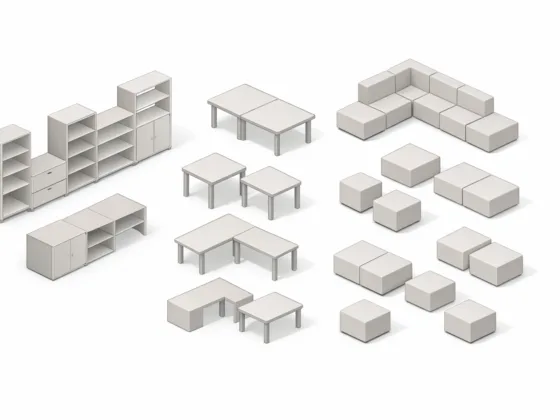
This function allows you to fill the space with your architectural taste. You get free access to a vast collection of interior items. More than 8000 elements in different styles are organized into easy-to-find categories, allowing you to unleash your creativity and try out different combinations.
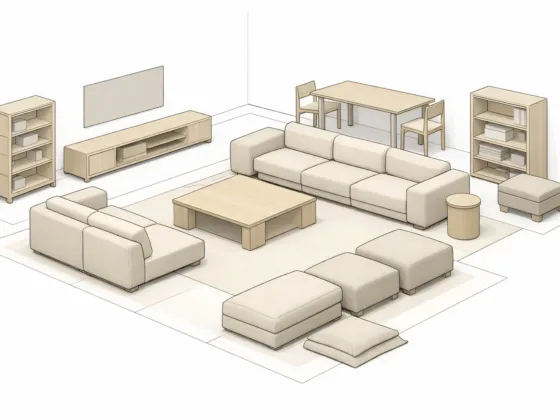
Drag the pieces out of the library and place them where you want. Move them around. Diversify the details to suit the context or your personal touch by clicking and changing the details’ colors, materials, and patterns. It sounds like you’re playing a fun game while designing your imaginary building with your own hands.
Visualize the Plan with 3D Perspectives
Complete your architectural drawings with three-dimensional rendering. The system will simulate the structure and all elements you include in the design in the most photorealistic way.
Compared to other software, it is much easier when Planner 5D allows you to get 3D models with just one click instead of tinkering with existing 3D pieces. You also don’t have to wait until all the furnishing is done to preview your design but quickly switch from 2D to 3D view as soon as you want to compare how the different combinations look in reality.
If any changes are needed, or you find a potential error, swap back to the 2D designer format and tweak until you’re satisfied. There is no restriction on the number of revisions, so you can rest assured to spend as much time as you want to fine-tune for the perfect 3D modeling.
Advantages of Planner 5D
Planner 5D is the perfect designer for everyone, whether you are a professional building designer or a novice, use it for work or try your hand at creating your dream home. The reasons that make this architecture designer stand out from similar programs can be mentioned as follows:
Limitless Creativity: Users can create whatever architecture they want with an impressive collection of layouts and items, equipment, and tools, with a variety of styles and possibilities of combining. The feature of modifying the details’ characteristics makes the choices more optimal.
Design the perfect architecture in the shortest time: The designer integrates 2D and 3D in one set of tools and unlimited editing capabilities to help users through all design steps in the most time-saving way and get the final live rendering of their architectural blueprints. A precious opportunity to learn and improve skills: Even if you have no design experience, Planner 5D’s easy operations and wizards will walk you through all steps.
The software’s library of inspirational templates is also a place where you can find unique creative ideas and improve your skills through editing and refreshing. You also have a chance to join a user community where like-minded people, and experienced industry experts, share their valuable knowledge and experience.
Free of charge: Planner 5D software is completely free for novice and beginner users. If you are an expert and want to use more advanced tools for professional work and better connect with customers, you could take the Pro package at a discounted price into consideration.
Conclusion
In summary, it can be seen that Planner 5D is a rare comprehensive architectural design software that does not require a budget. If you are preparing the idea of building a dream home yourself, upgrading your living space, or simply looking for inspiration or trying your creativity with architectural design, create an account now and start making it a reality. Of course, depending on the intended use, you can spend a small amount on useful premium tools and Pro membership privileged features.